
MP4
Basics
A widely used container for H.264/H.265 video and AAC audio.
Advantages
Broad device, browser, editor, and social-platform compatibility.
Limitations
Quality can decline when a lossy MP4 is encoded again.
Add a text or custom image watermark to a local MOV video. Your video and watermark stay in your browser.
Source video
No file selected
Watermark editor
Position
Choose a video to begin.
About MOV watermark
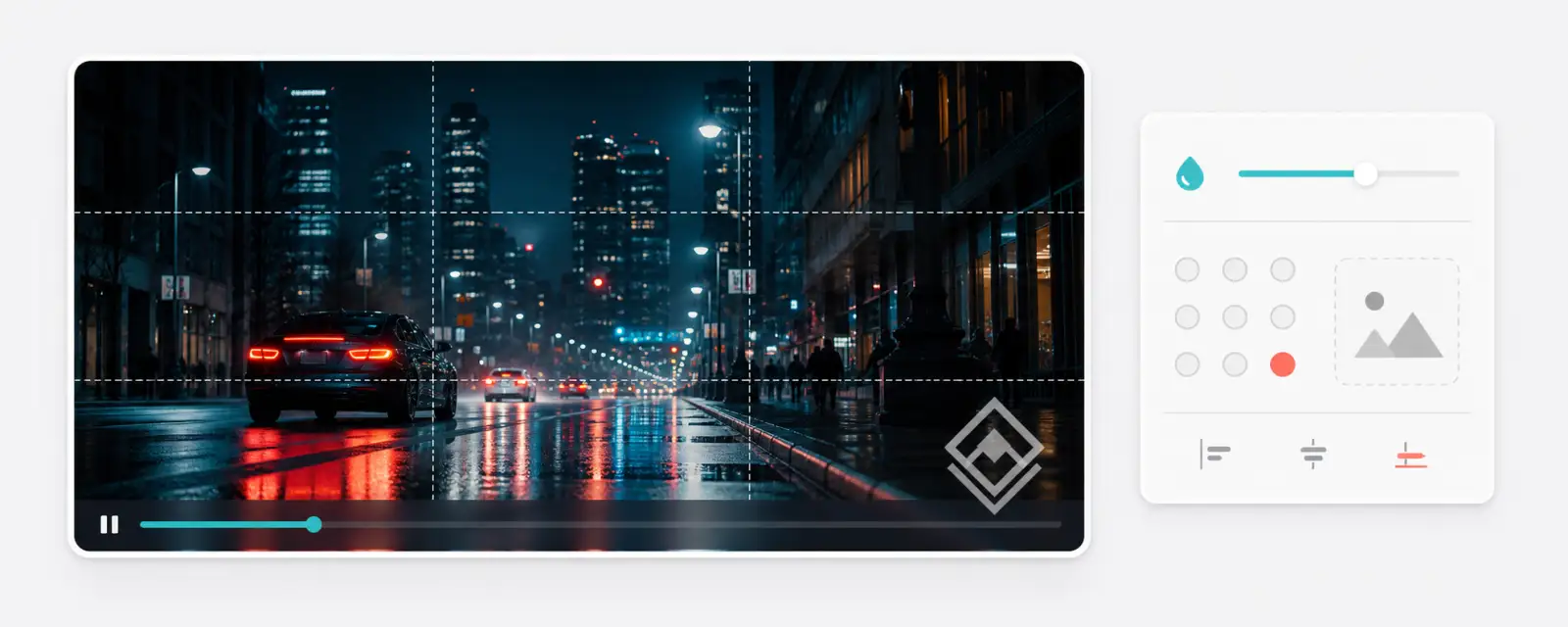
Add a text or custom image watermark to a local MOV video without sending it to a server. Set the position, opacity, and size, then download a share-ready MP4 copy.
MOV is Apple's QuickTime container and is common in camera captures and professional editing workflows. High-quality MOV files can be particularly large.
Best for
Reducing exports from Apple devices and editing software.
Working with MOV
Start with the original resolution to retain camera detail, then lower the resolution only if the output is still too large.
Select a local video file. It remains on your device.
Use text or a custom image, then choose its opacity and position.
Preview the watermarked MP4 and download it when ready.
Supported input formats
MP4, WebM, MOV, MKV, AVI, FLV, and TS are accepted. A container alone does not guarantee compatibility: the video and audio codecs inside the file must also be available in the browser's FFmpeg runtime.
Basics
A widely used container for H.264/H.265 video and AAC audio.
Advantages
Broad device, browser, editor, and social-platform compatibility.
Limitations
Quality can decline when a lossy MP4 is encoded again.
Basics
A web-focused container commonly paired with VP8, VP9, or AV1 video.
Advantages
Efficient for modern web playback and royalty-free workflows.
Limitations
Some older devices and desktop editors have limited support.
Basics
Apple QuickTime's container, often used by cameras and editing software.
Advantages
Strong fit for Apple and professional production workflows.
Limitations
High-quality files can be large and less convenient outside Apple tools.
Basics
A flexible Matroska container that can hold multiple audio, subtitle, and chapter tracks.
Advantages
Useful for archives and videos with multiple languages or subtitles.
Limitations
Native playback support varies across browsers, TVs, and phones.
Basics
A legacy Microsoft container used by older Windows applications.
Advantages
Often useful for preserving or importing older media libraries.
Limitations
Files tend to be larger and are less suitable for current web playback.
Basics
A legacy Flash Video container from earlier web-video workflows.
Advantages
Helpful for converting older archives into modern files.
Limitations
Flash is deprecated and current browser support is limited.
Basics
An MPEG Transport Stream container common in broadcast and HLS segments.
Advantages
Resilient for transmission and common in streaming pipelines.
Limitations
Less convenient for editing, sharing, and seeking than MP4.
Related video tools
Reduce video file size with quality and resolution controls.
Keep only the time range you need from a video.
Export still PNG or JPEG images from a video.
Turn a short MP4 clip into a shareable GIF.
Watermark MP4 videos directly in your browser. Add a text or image watermark to your video.
Watermark WebM videos directly in your browser. Add a text or image watermark to your video.
Watermark MKV videos directly in your browser. Add a text or image watermark to your video.
Watermark AVI videos directly in your browser. Add a text or image watermark to your video.
Watermark FLV videos directly in your browser. Add a text or image watermark to your video.
Watermark TS videos directly in your browser. Add a text or image watermark to your video.